On this page
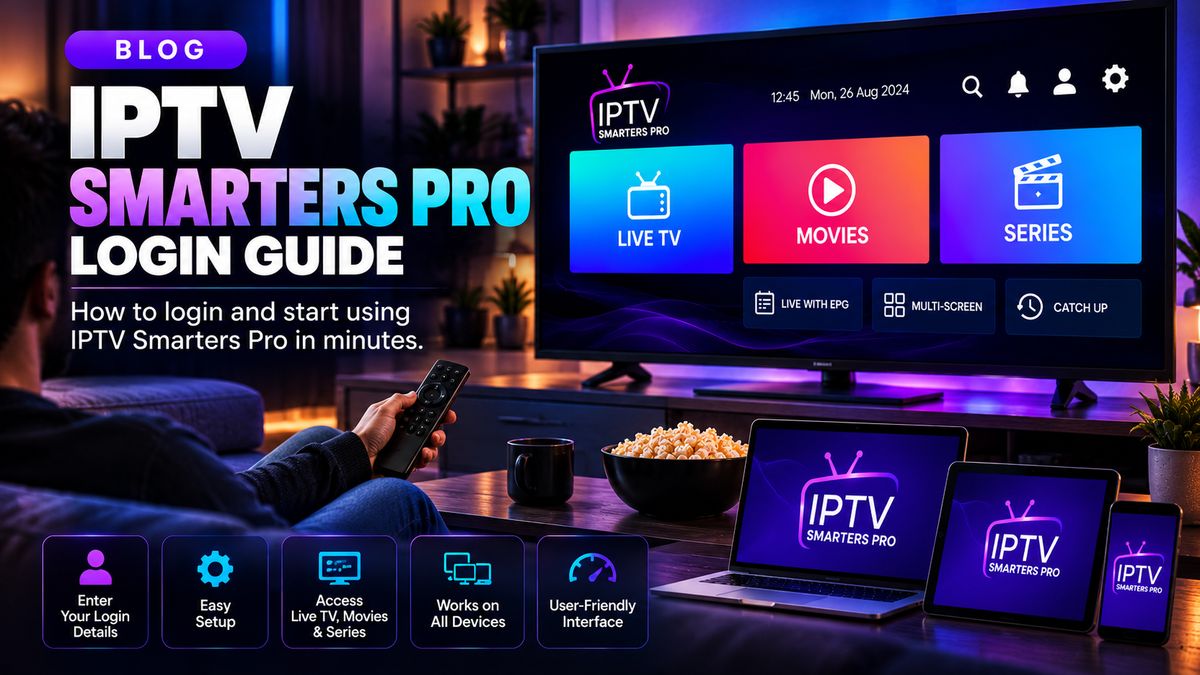
Before installation
Samsung Smart TVs commonly use Tizen, not Android. Search the Samsung app store for supported streaming players and check the model compatibility.
Add your playlist
Install a compatible player and enter the authorised M3U URL or Xtream-style connection information. Some apps require activation using a device identifier; check the developer’s official instructions.
Optimise the experience
Keep TV firmware updated, ensure the time zone is correct, and avoid overwhelming older TVs with too many playlists.
Fix common issues
If video does not start, try a different stream you are entitled to access and test network stability. Never share credentials publicly.
Quick checklist
- Confirm the streaming service is authorised for your region and the content.
- Verify that the app supports your device and access format.
- Test your network before changing multiple settings.
- Contact your provider for account-specific help.