On this page
- Start with the official player source
- Understand what you need to sign in
- Check device compatibility
- Protect your account and household
- Know what to troubleshoot first
- Frequently asked questions
- Does IPTV Smarters Pro include channels?
- Is IPTV Smarters Pro the same as an IPTV subscription?
- Is IPTV Smarters Pro legal?
- Keep reading
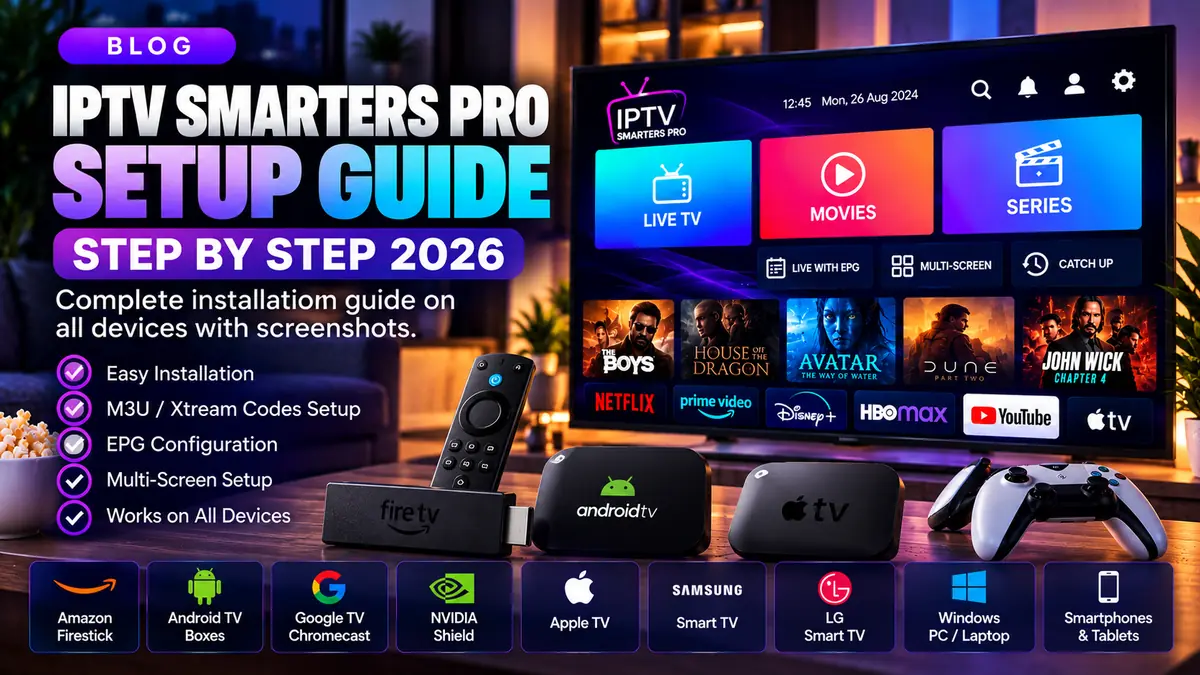
If you are new to IPTV Smarters Pro, the most important setup step happens before entering any playlist: confirm what you are downloading and who supplies the content. The app is a media player, while access to TV channels or on-demand titles is provided separately by a content source.
Start with the official player source
Use an official developer website or verified app-store listing suitable for your device. Be cautious of unrelated websites presenting themselves as the app developer or offering modified installers.
The Smarters Pro developer explicitly describes its offering as a media player and says it does not sell channel subscriptions. A website offering a separate subscription should make its own identity and rights clear.
Understand what you need to sign in
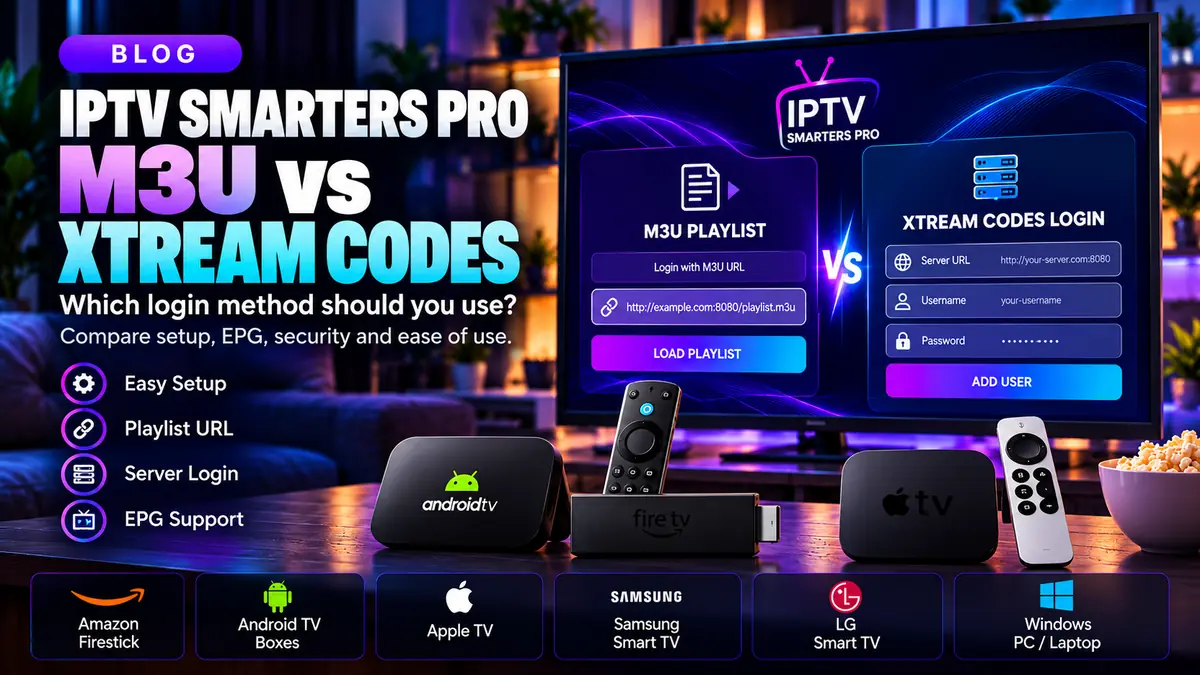
Depending on the app edition, authorized users may add a playlist link or compatible account credentials issued by a separate provider. Installing the player alone does not create a channel package.
Do not pay for an app download and assume that the payment includes all streaming services. Read exactly what each product includes and who is responsible for technical support.
Check device compatibility
Confirm that the specific player version supports your Fire TV device, Android TV, phone, tablet or smart TV before installing. Menus and availability may differ by operating system and region.
When the app is unavailable in your device's approved app store, check official compatibility guidance rather than downloading a random installer from search results.
Protect your account and household
Use unique passwords where available, never post M3U URLs publicly and remove accounts from devices you sell or give away. If parental controls are supported in your version, configure them according to your household's needs.
Only add content you are legally entitled to view. A media player being available for download does not establish distribution rights for a third-party playlist.
Know what to troubleshoot first
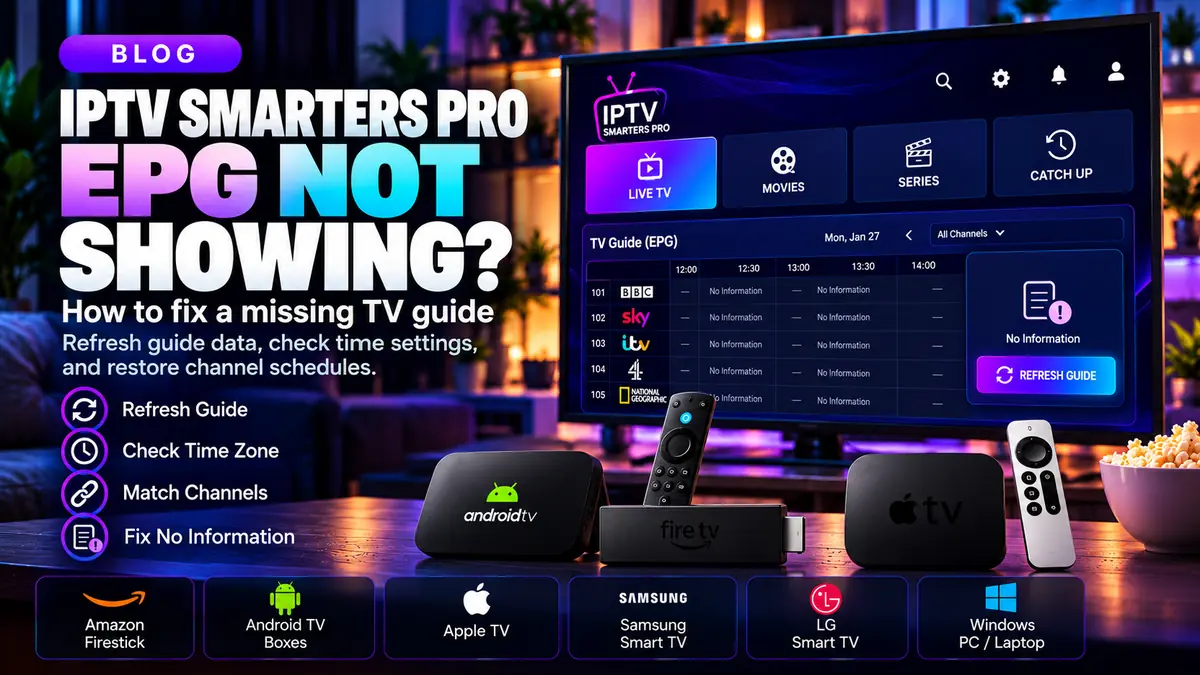
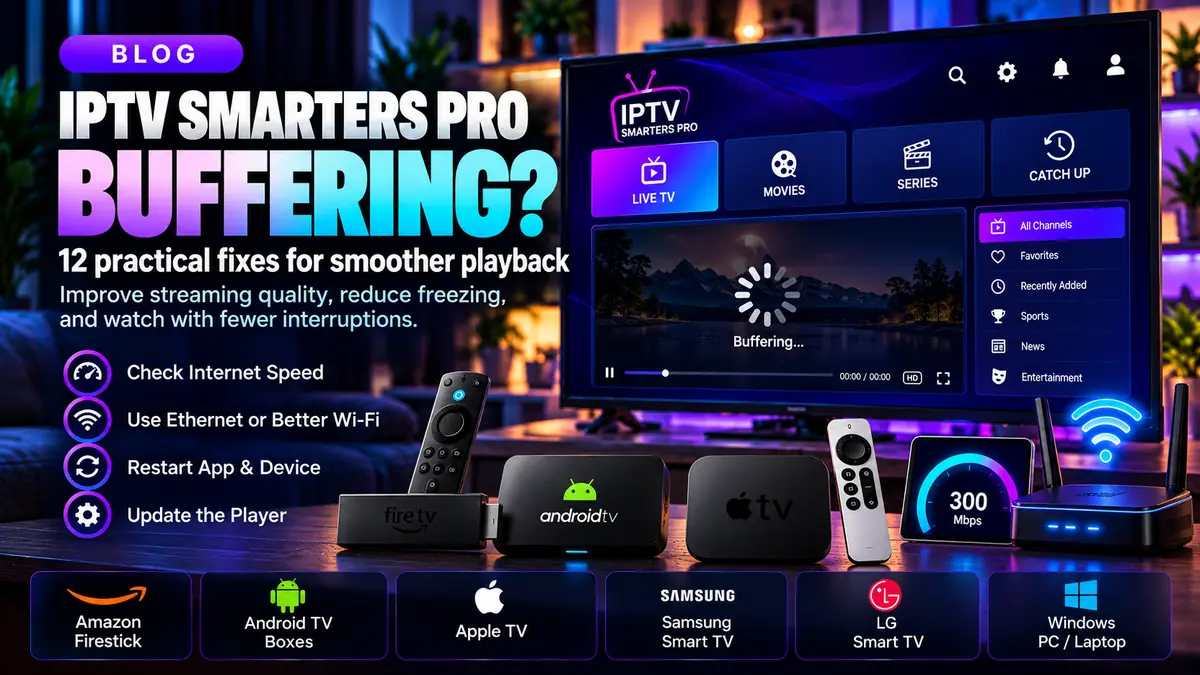
For login failures, verify credentials and server address. For a blank guide, check EPG support and channel mapping. For buffering, test Wi-Fi, device performance and the source separately.
Our detailed guides below cover each issue so you can solve the actual problem rather than repeatedly uninstalling the app.
Frequently asked questions
Does IPTV Smarters Pro include channels?
No. The official developer describes it as a media player and not a seller of channel packages.
Is IPTV Smarters Pro the same as an IPTV subscription?
No. The player software and a content subscription are separate offerings.
Is IPTV Smarters Pro legal?
A media player can be used lawfully; whether specific content access is authorized depends on the source and applicable rules.