On this page
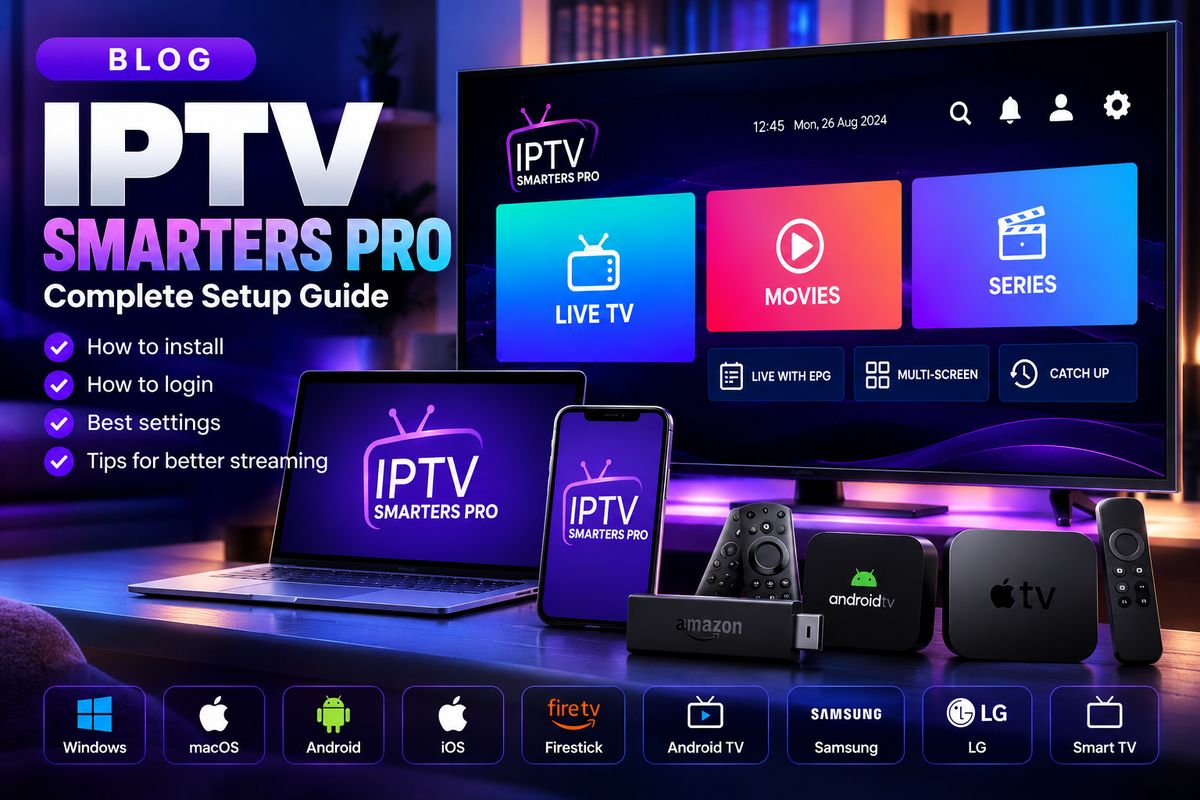
Choosing a compatible player
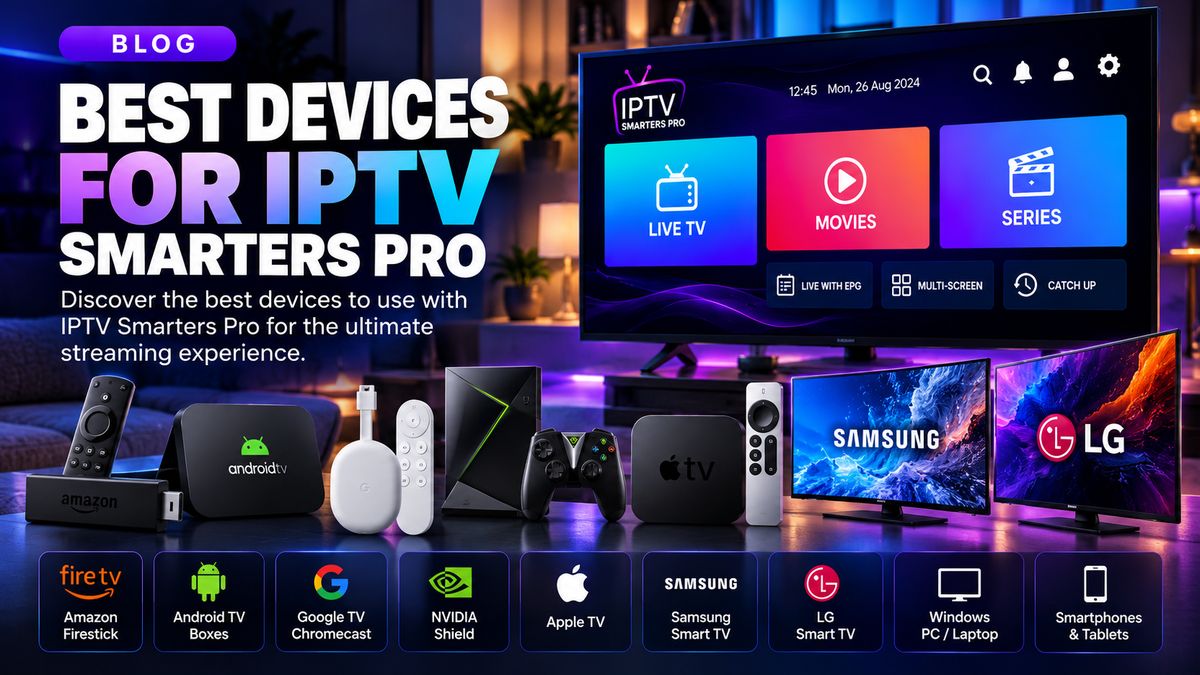
Android TV and Google TV offer TV-focused streaming apps through the Play Store. Choose a player with remote-friendly navigation and support for the access format provided by your legitimate streaming service.
Getting started
Connect the device to the internet, update the operating system, install a compatible player, then enter the playlist URL or account credentials supplied by your provider. Check the spelling carefully before signing in.
Playback tips
Use Ethernet when possible. Otherwise, prefer a stable 5 GHz Wi-Fi connection. Keep your player updated and close unused apps.
When something fails
If your playlist will not load, verify your subscription status and details. For stuttering video, compare the result on another app or connection to isolate the issue.
Quick checklist
- Confirm the streaming service is authorised for your region and the content.
- Verify that the app supports your device and access format.
- Test your network before changing multiple settings.
- Contact your provider for account-specific help.