On this page
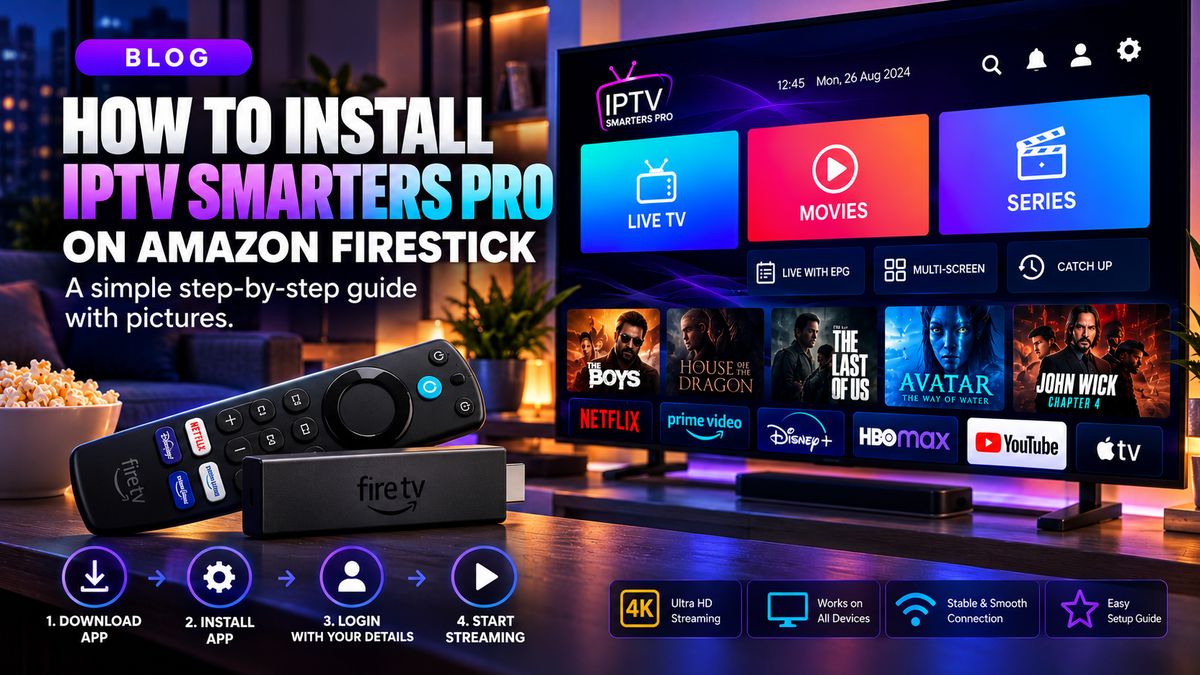
Prepare your Fire TV
Connect Fire TV Stick to a TV and reliable Wi-Fi, sign in to your Amazon account and install any pending updates.
Choose a player
Select a compatible TV player, such as TiviMate where legitimately distributed for the device. Download apps only from trustworthy sources.
Connect your service
Open the player, add your playlist or provider account and allow the channel list to load. A provider may give an M3U link or server, username and password.
Improve performance
Restart the stick occasionally, free storage and choose a strong Wi-Fi signal. For some setups, an Ethernet adapter provides more consistent performance.
Quick checklist
- Confirm the streaming service is authorised for your region and the content.
- Verify that the app supports your device and access format.
- Test your network before changing multiple settings.
- Contact your provider for account-specific help.