On this page
Diagnose before changing things
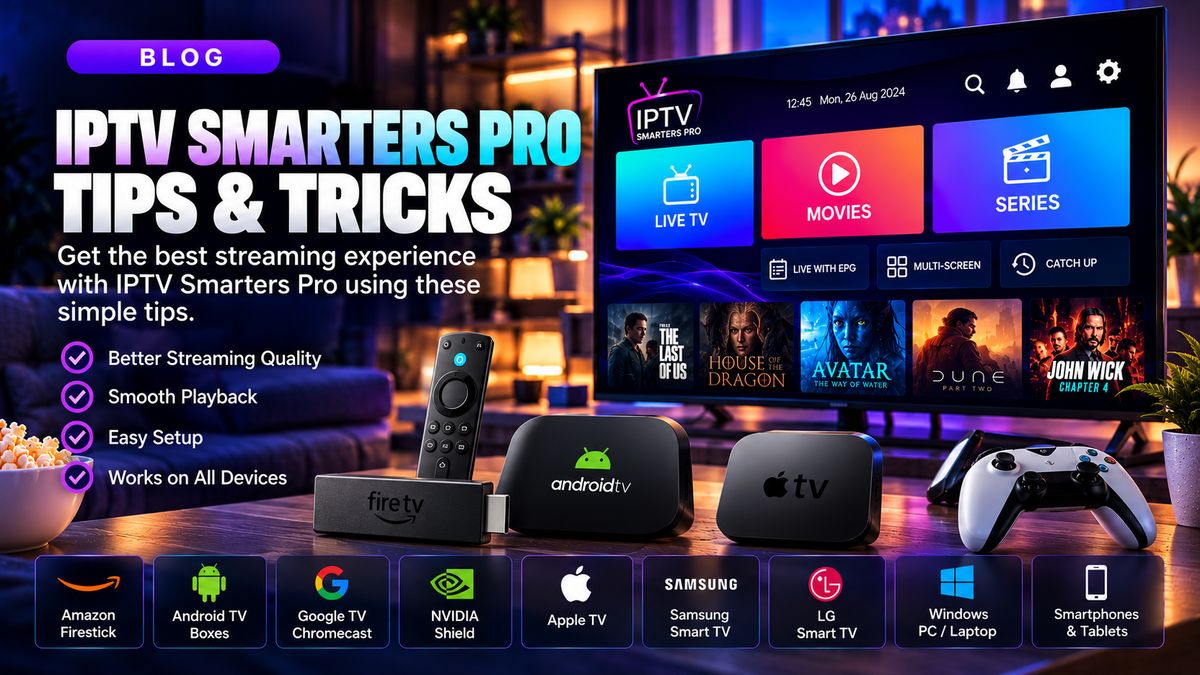
Test network speed and compare other video apps. A single failing source usually points to a source or provider issue rather than your whole connection.
Improve local networking
Use wired Ethernet or a strong 5 GHz wireless connection, reboot outdated equipment and pause large downloads during playback.
Device maintenance
Update the operating system and player, remove unused apps and keep adequate free space.
Player settings
Hardware decoding and matching output resolution may help on supported devices. Make one change at a time and test results.
Quick checklist
- Confirm the streaming service is authorised for your region and the content.
- Verify that the app supports your device and access format.
- Test your network before changing multiple settings.
- Contact your provider for account-specific help.