On this page
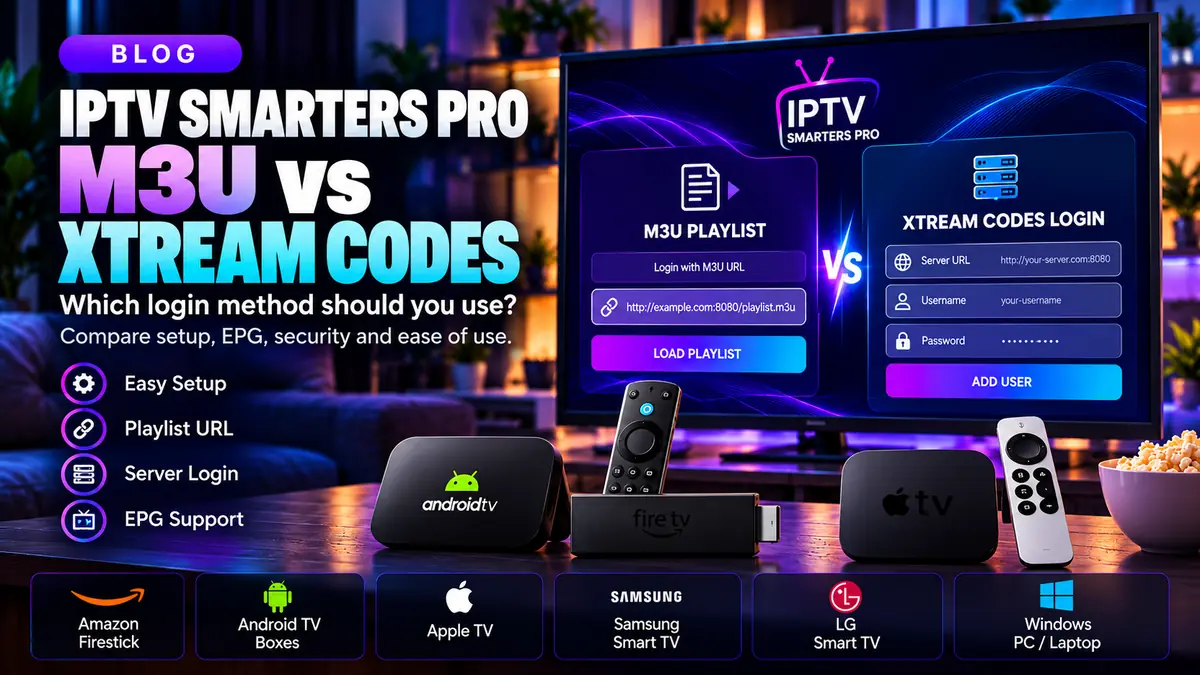
When setting up IPTV Smarters Pro, two phrases appear frequently: M3U playlist and Xtream Codes-style login. They are not two different channel packages. They are different ways for a player to receive the address and access details for media you are entitled to watch.
What is an M3U playlist?
An M3U playlist is a text-based listing of media entries. A provider may supply it as a URL; the player reads the list and presents the available items for playback. M3U is a playlist format, not a proof that any content is licensed.
A playlist link may contain credentials embedded in its URL. Treat that URL like a password and avoid sharing it in web forms, screenshots, chat groups or public troubleshooting posts.
What is an Xtream Codes-style login?
An Xtream-style connection commonly uses three pieces of information: a server address, a username and a password. The player communicates with the compatible service to retrieve the account's media information.
The exact menus depend on app version and device. Use the wording in your installed official app, and request setup details from the provider instead of guessing an endpoint.
How do the methods compare?
M3U can be convenient when you have a complete playlist URL. Separate-credential login can be easier to type and correct one field at a time. Neither method guarantees better speed, higher video quality or more channels.
Playback depends far more on the stream source, network quality, device decoding support and provider configuration. A different login format cannot repair a broken upstream stream.
What about TV guides and EPG?
An electronic program guide (EPG) provides channel schedules when supported and supplied by the service. Some playlists require a separate guide URL; some compatible APIs may expose guide data automatically.
If the guide is blank, verify whether your content provider actually supplies an EPG and whether the channel identifiers match. Our dedicated EPG guide covers those checks in more detail.
Choosing the right method securely
Use the connection method documented by your authorized provider and supported by your specific IPTV Smarters Pro version. Avoid unofficial APK downloads, credential-sharing websites and 'free premium playlist' pages that ask for personal information.
If changing methods, remove obsolete credentials from old devices you no longer control. This reduces unnecessary exposure and can prevent simultaneous-connection issues.
Frequently asked questions
Is Xtream Codes faster than M3U?
Not inherently. Real-world performance is mainly affected by service infrastructure, networking and device playback.
Can IPTV Smarters Pro open M3U playlists?
The Smarters media-player family advertises playlist support, though specific options vary by version and platform.
Do I need both formats?
No. One correctly supplied, supported method is normally sufficient.