On this page
- Understand where EPG data comes from
- Refresh the playlist and guide
- Check time zone and device clock
- Look for channel-name or ID mismatches
- Use an EPG troubleshooting checklist
- Frequently asked questions
- Why is IPTV Smarters Pro showing No Information?
- Does a blank EPG mean the subscription expired?
- How do I fix EPG time offset?
- Keep reading
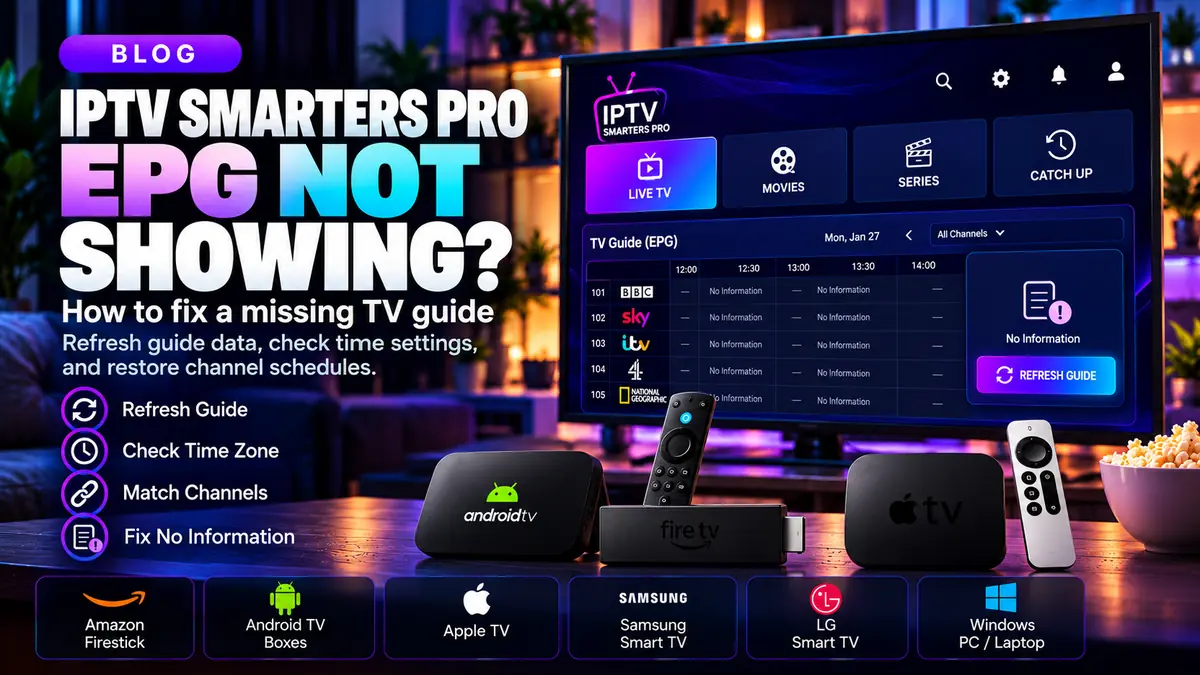
A blank electronic program guide can make even a working media player frustrating to use. If IPTV Smarters Pro plays content but the schedule is missing or inaccurate, work through these checks before resetting your whole setup.
Understand where EPG data comes from
EPG stands for electronic program guide. It lists program names, start times and end times when compatible guide information is available. A player displays guide data; it cannot invent accurate schedule information for a provider that does not supply it.
If every channel has 'No Information,' first confirm whether the playlist or service actually includes TV-guide data. This is a different question from whether the video stream works.
Refresh the playlist and guide
Look for the refresh or update option available in your particular player version. After a refresh, give the player time to load guide data, especially when your playlist includes many entries.
If only newly added channels are blank, the guide may not yet cover them. The appropriate fix may be a mapping change on the provider's side rather than a new app install.
Check time zone and device clock
Incorrect device time, date or time zone can make an otherwise complete EPG appear several hours early or late. Enable automatic time synchronization where available and confirm the correct regional time zone.
Different channels can use schedules tied to different locations. A local clock adjustment may resolve an offset but cannot repair incorrectly sourced guide data.
Look for channel-name or ID mismatches
Guide data is often matched to a channel by an identifier. If names, IDs or mappings do not align, the player may show an empty guide even when an EPG file exists.
Send the provider a small example: the channel name, expected program and observed symptom. Do not share account passwords or entire private playlist URLs.
Use an EPG troubleshooting checklist
Test a few channels instead of judging the whole playlist by one result. Compare working and nonworking guide entries, refresh, verify the device clock, and ask whether a supported EPG source is available.
Avoid random 'universal EPG' downloads that claim compatibility with every service. A guide must correspond to the specific channel lineup to be useful.
Frequently asked questions
Why is IPTV Smarters Pro showing No Information?
The service may not supply matching EPG data, the guide may not be loaded yet, or channel identifiers may not match.
Does a blank EPG mean the subscription expired?
Not necessarily. If video plays, the guide issue may be independent of account access.
How do I fix EPG time offset?
Start with the device clock and time zone. If the offset persists across devices, report it to the provider.