On this page
- Check your login method first
- Verify the server URL and credentials
- Separate account errors from connection errors
- Try safe fixes in the right order
- When to contact support
- Frequently asked questions
- Why does IPTV Smarters Pro say invalid login?
- Should I reinstall IPTV Smarters Pro?
- Can I use an M3U link in Xtream Codes login?
- Keep reading
If IPTV Smarters Pro will not sign in, do not immediately reinstall the app or purchase another subscription. Most login problems come from an incorrect server address, expired credentials, a temporary connection issue, or a format mismatch. This troubleshooting guide helps you isolate the cause without exposing your account details.
Check your login method first
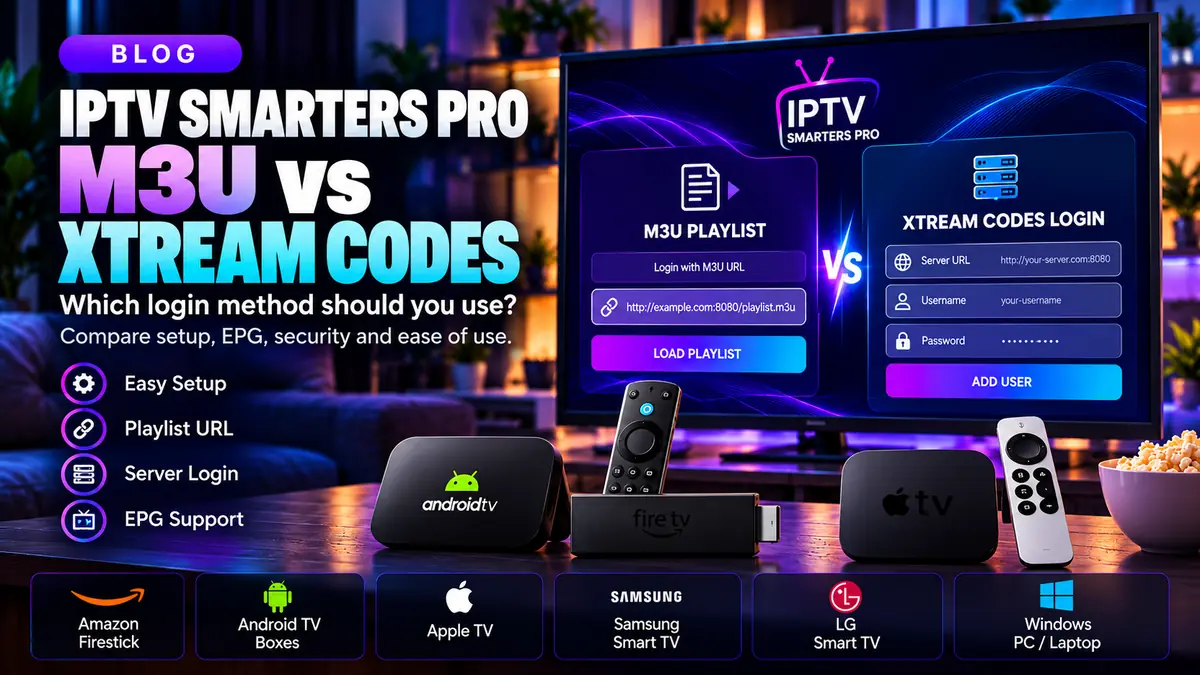
IPTV Smarters Pro can work with playlist formats supplied by your authorized content provider. A login using a server URL, username and password is different from importing a complete M3U playlist URL. Choose the method that matches the details you received.
If you were provided one long link containing parameters such as username and password, do not split it into unrelated fields unless your provider explicitly supplies a compatible server address. Keep the original details in a secure place.
Verify the server URL and credentials
Confirm the exact spelling of the username and password, including capitalization. Check whether the server uses http or https, and whether a port is part of the address. A missing port or an extra space can stop a valid account from connecting.
Only use server addresses and credentials issued by your own authorized provider. Never post complete login URLs, usernames or passwords in public forums or screenshots.
Separate account errors from connection errors
Open another trusted website on the same device. If general internet access fails, restart the router and reconnect the device before changing player settings. If the internet works but one playlist fails, test the provider's officially supported access method to determine whether the problem is service-specific.
An error on a single channel is not the same as a login failure. It may indicate an unavailable stream, a device codec issue or an account permission restriction.
Try safe fixes in the right order
Close and reopen the media player; verify the device date and time; check for an official update; then try the authorized playlist again. Restarting the device is often safer than clearing everything immediately.
Clear app cache only if the problem persists, and understand that clearing app data may remove saved playlists and settings. Record your provider information securely before taking that step.
When to contact support
If you see 'invalid credentials,' 'authorization failed,' or repeated server errors after verifying your details, contact the provider that issued your account. Ask them to confirm account status, allowed connections and the correct access URL.
The player developer and your subscription provider may be separate businesses. Player support can help with app behavior; the provider controls login credentials and content availability.
Frequently asked questions
Why does IPTV Smarters Pro say invalid login?
Often the supplied login fields do not match the active account, or the server address is incomplete. Ask the account issuer to verify the details.
Should I reinstall IPTV Smarters Pro?
Try connection checks, correct login method and an official app update first. Reinstallation may erase saved preferences.
Can I use an M3U link in Xtream Codes login?
Not directly in every case. Select the playlist-import method unless your provider supplies separate compatible Xtream-style login fields.