On this page
- 1–3: Check the basics first
- 4–6: Measure your connection
- 7–9: Improve the home network
- 10–12: Check the device and player
- When buffering is on the provider side
- Frequently asked questions
- What internet speed do I need for IPTV Smarters Pro?
- Will Ethernet help reduce buffering?
- Does switching M3U to Xtream login stop buffering?
- Keep reading
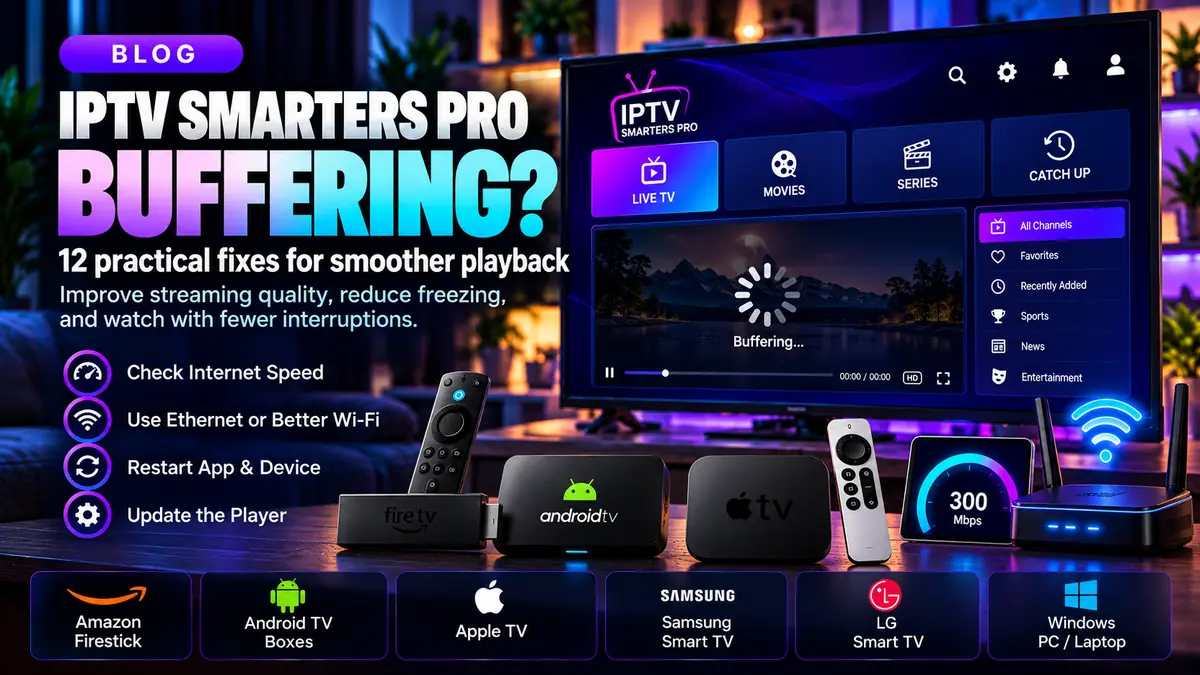
Buffering during IPTV Smarters Pro playback is usually a symptom, not a single app setting. It can come from weak Wi-Fi, device overload, internet congestion, or the media source. Use this checklist to find which part of the playback path needs attention.
1–3: Check the basics first
1. Restart the media player. 2. Restart the streaming device if it is sluggish. 3. Test a second authorized stream. If only one item freezes, the issue may be with that source rather than the entire player.
Avoid changing multiple settings at once. Test after each adjustment so you know which step actually helped.
4–6: Measure your connection
4. Run a speed test on the device, not only on your phone. 5. Compare the result at different times of day. 6. Check whether other household devices are consuming bandwidth.
Throughput matters, but so do latency variation and packet loss. A fast headline speed test cannot guarantee uninterrupted video when the wireless connection is unstable.
7–9: Improve the home network
7. Use Ethernet if supported. 8. Move the router closer to the TV or streaming box, or reduce physical interference. 9. Try the appropriate Wi-Fi band for your home: 5 GHz can be faster nearby, while 2.4 GHz may reach farther.
If you have a mesh network, confirm that the streaming device is using a good access point rather than a weak distant node. A cable is a useful diagnostic comparison even when permanent wired installation is not practical.
10–12: Check the device and player
10. Install legitimate device firmware and player updates. 11. Close unneeded background apps and make sure storage is not completely full. 12. Compare playback on another supported device using the same authorized account.
Some streams require formats or codecs that particular devices do not support well. An error on one device but not another may suggest a decoding or app compatibility problem rather than slow internet.
When buffering is on the provider side
If the same content freezes across devices and networks while other internet services work, ask the authorized content provider whether that source has an outage or capacity issue.
No player, VPN or DNS setting can guarantee a fix for an unavailable media source. Resist claims that one hidden setting always eliminates buffering.
Frequently asked questions
What internet speed do I need for IPTV Smarters Pro?
Required bandwidth depends on the stream bitrate and resolution. Keep additional headroom for other household use and unstable Wi-Fi.
Will Ethernet help reduce buffering?
It may improve consistency and is a good way to distinguish wireless problems from source problems.
Does switching M3U to Xtream login stop buffering?
Not by itself. Both methods can point to the same underlying content infrastructure.