On this page
Player versus provider
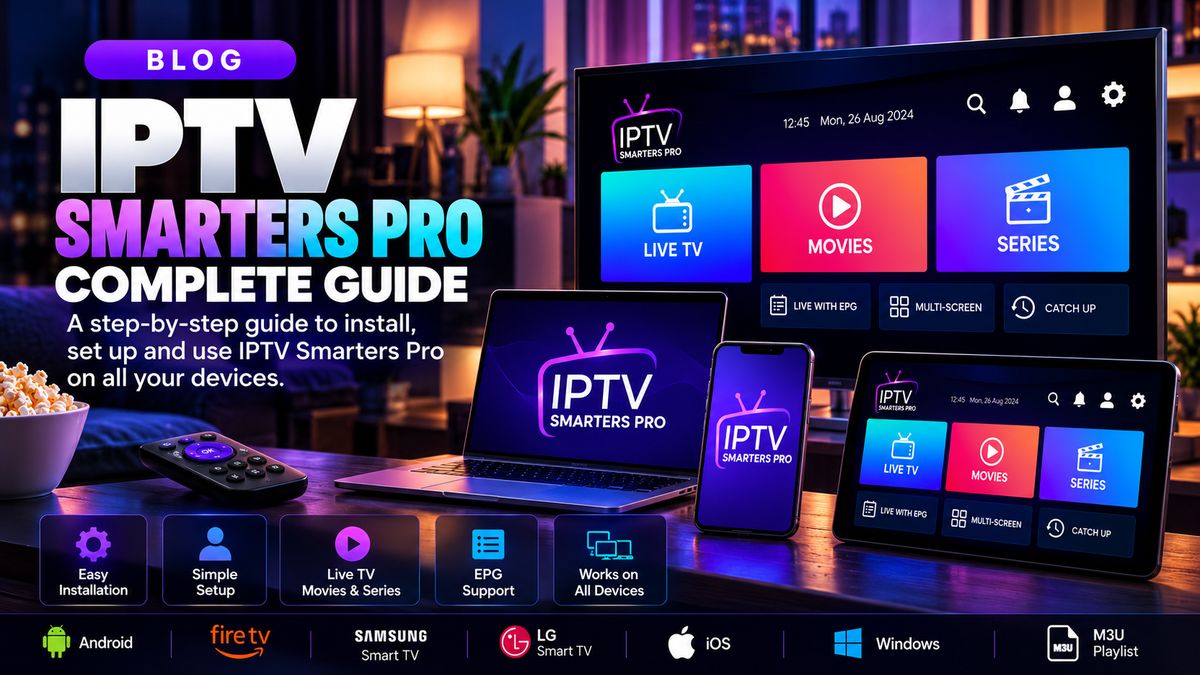
IPTV Smarters Pro is a playback interface. Installing a player does not include channels or provide rights to content.
Supported sign-in methods
Depending on app version and platform, the software may accept a playlist URL or account-style credentials supplied by a service.
Setting up
Install only an authentic supported release, open the player, add an authorised playlist and verify the categories load.
Privacy and safety
Keep account details confidential, avoid unofficial downloads and confirm that your provider is licensed for the programming you watch.
Quick checklist
- Confirm the streaming service is authorised for your region and the content.
- Verify that the app supports your device and access format.
- Test your network before changing multiple settings.
- Contact your provider for account-specific help.